
I landed at Haneda, took a taxi from the rank straight to the Mercure Haneda Tokyo Airport, and paid with my credit card. The driver’s English was good, the ride was simple, and I didn’t touch a transit card, a JR Pass, a ticketing machine, or an ATM that entire first day.
The next morning, after a proper night’s sleep, I walked to a 7-Eleven, pulled ¥30,000 from their ATM (the interface is so simple it’s almost child’s play, and I’d recommend it over any other option), then went to the nearby subway station and bought a Resident Pasmo card at the machine. One transaction. I put in ¥10,000, the machine quietly deducted the deposit on top, and I walked away with a working card. This is how I travel everywhere, not just Japan: do all my admin on the day after arrival – get cash and transit card. What I didn’t expect was how much further this particular card would go over the next forty days in Japan.
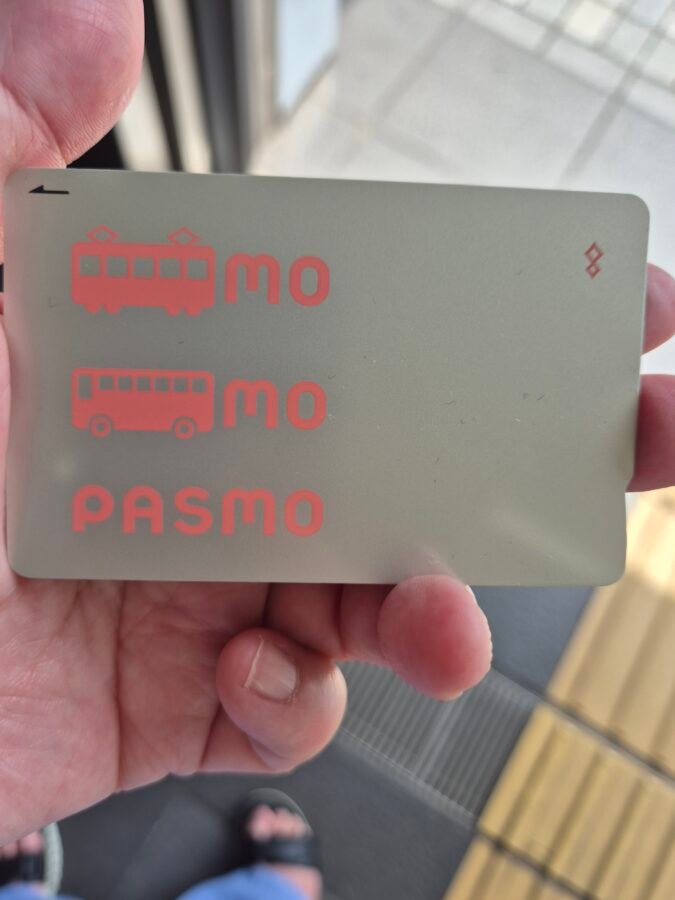
The trains in Japan run on a network unlike anything most visitors have used before, and working out how to pay for each ride before you’ve even left the airport is the wrong place to start. There’s a simpler answer than learning the fare chart for every line. One small card, loaded with money, taps onto trains, buses, vending machines, drugstores, convenience stores, and a surprising number of restaurants. You’ll hear this card called Suica or Pasmo once you’re here, but the names matter far less than what the card actually does for you.
It also removes a small but constant irritation that nobody mentions until they’ve lived with it: paying in cash in Japan tends to leave you holding a lot of coins. The card sidesteps that altogether, since every tap deducts the exact fare or price with nothing handed back.
Public Transport Is Where You’ll Use It Most
Trains, subways, and buses are where this card earns its place, and Japan’s rail network is dense enough that this matters more here than almost anywhere else you’ll travel. Tokyo alone runs more than a dozen subway lines on top of JR and private railways, and that pattern repeats across Osaka, Kyoto, Fukuoka, and beyond. The card works across nearly all of it, on countless individual lines run by different operators, without you needing to know which company runs which train. Tap on, tap off, and the fare calculates itself, with no need to work out the cost of a journey before you take it.
One exception worth knowing now: this card doesn’t cover Shinkansen bullet train fares. Local and city travel, yes, almost without limit. Long-distance bullet trains need a separate ticket.
Where Else Does It Work?
The rule for restaurants is simpler than it first looks. If there’s a ticket machine at the entrance, where you order and pay before you sit down, the card almost certainly works. Ichiran, the well-known ticket-machine ramen chain, runs this way, and the same format extends to countless smaller, independent ramen counters across the country. Sit-down restaurants without that machine are far less predictable, so check before you assume.
Drugstores are reliable across the board, including Matsumoto Kiyoshi, Daikoku, and Tsuruha. Convenience stores accept it universally, at every 7-Eleven, Lawson, and FamilyMart in the country.
Two Versions of This Card, and Which One You Need
Both Suica and Pasmo come in two forms, and the names are worth learning because the difference changes how you treat the balance at the end of your trip. Worth knowing upfront: Suica and Pasmo themselves have no functional difference. Suica is issued by JR East, the Pasmo is issued by a group of private rail and bus operators, and that distinction affects nothing beyond where you happen to buy the card.
The Tourist Version
Suica’s tourist version is called Welcome Suica. Pasmo’s is called Pasmo Passport. Both skip the deposit and run on a fixed 28-day window from the day you get the card, and neither can be refunded or cashed out under any circumstance. Whatever balance remains when those 28 days are up is simply gone. If this is your version, plan to spend it down to nearly nothing before that window closes.
There’s also a third option worth knowing about if you have an iPhone: a separate app called Welcome Suica Mobile, built by JR East specifically as a digital product rather than a physical card. Because it’s issued differently, it runs on its own terms — 180 days rather than 28. It isn’t the same tourist card with extended time tacked on. It’s a distinct option, and one only available to iPhone users.
The Resident Version
The everyday version, simply called Suica or Pasmo, carries a small refundable deposit and never expires. The balance carries over between trips indefinitely.
A simple way to decide: if this is a one-off trip, take a tourist version and plan to spend it down before you fly home. If you expect to return, even once, take the resident version instead. There’s no need to cash anything out at the end of a trip with this version. The card simply sits, fully loaded, ready for next time, wherever you’re flying in from.
Getting the Card: Physical and Digital
Buying a Physical Card
- Find a ticket machine at any major station, or a staffed counter if you’d rather speak to someone directly.
- Select English from the menu. Every machine in Japan offers this, and the interface is simple enough that a first-time user can complete the process without help.
- Choose your card type, tourist or resident, and follow the prompts.
- Insert cash to cover your starting balance including the deposit if you’ve chosen the resident version.
- Collect your card. It’s active immediately.
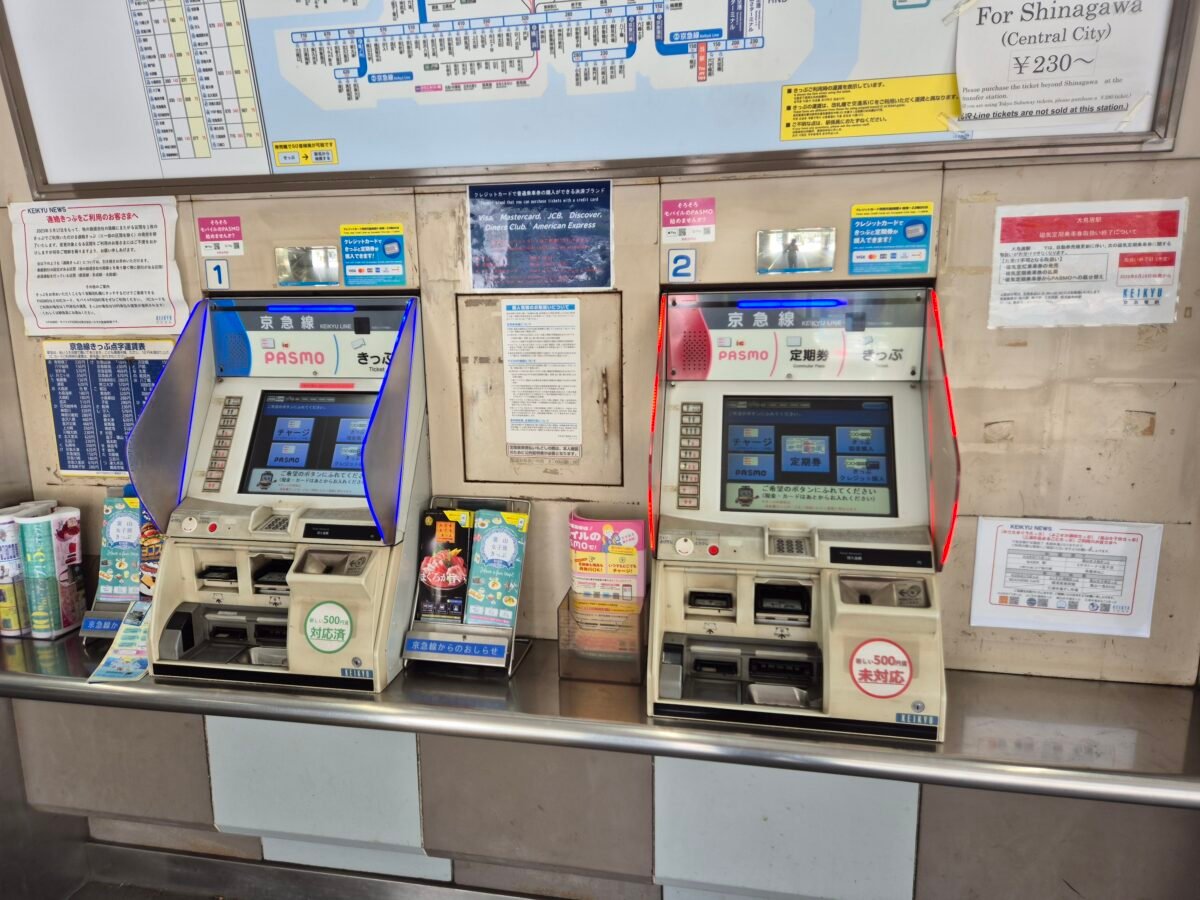
Whether you’re asked for a passport during this process depends on where you buy it, not which version you choose. Staffed counters, particularly for the tourist version, are where passport checks tend to come up. Buying at a machine is typically a straightforward cash transaction with no identification required.
A few practical specifics worth knowing before you stand at the machine: each card is for one person only, and can’t be shared or used to tap in two people at once. The card can hold a maximum balance of ¥20,000 at any time. Top-ups happen in set cash amounts, and you can top up as often as you like, you just can’t push the balance past that ceiling.
Setting Up a Digital Card
This option exists only for iPhone users. Open the Wallet app, tap the plus sign, select Suica or Pasmo, choose to create a new card, and load it using a linked credit card through Apple Pay. The card is active within minutes, and Express Mode switches on automatically, letting you tap through gates without unlocking your phone.
Android users should expect to use a physical card instead. The Android equivalent only works on Japan-market phones with specific hardware support, which most phones bought outside Japan don’t have. This isn’t a workaround worth chasing before your trip. Plan on the physical card and move on.
Topping Up and Tracking Your Balance
You can top up at station machines or at convenience store counters, in cash, in whatever amount suits your spending pattern. Some travellers prefer loading a larger sum less often; others, myself included, prefer smaller, more frequent top-ups, around ¥10,000 every so often across a longer trip. Neither approach is more correct than the other. The card adapts to however you want to manage it.
You’re never left guessing what’s on the card. The ticket gate display shows your balance every time you tap in or out, and convenience stores print it on your receipt after every purchase. Checking your balance is built into using the card, not a separate task.
When There’s No Machine: Topping Up at a Convenience Store
In Takayama, I stepped off the Shinkansen with my balance seriously low, and checked the station for a top-up machine before I’d even left the platform. There wasn’t one. Travelling alone, that’s the kind of small gap that can sit with you longer than it should, since there’s no one beside you to say “we’ll figure it out.” I asked ChatGPT for options, and it pointed me straight to the nearest FamilyMart.
The process there was simple enough that I’d recommend it without hesitation. Tell the staff you want to “charge” your card, not “top up,” since that’s the word they’ll recognise. They’ll bring up the amount options on the screen behind the counter. Choose the value, tap your card to the same reader you’d use to pay for anything else, and they’ll hand you a receipt showing the new balance. The staff member who helped me was patient and unhurried about the whole thing, which is something I noticed again and again across the trip. It’s a small kindness that makes travelling through unfamiliar places alone feel considerably less exposed than it might otherwise.
In smaller towns, station machines aren’t guaranteed. Convenience stores are a reliable backup wherever a station machine isn’t available.
When the Card Doesn’t Tap Out Cleanly
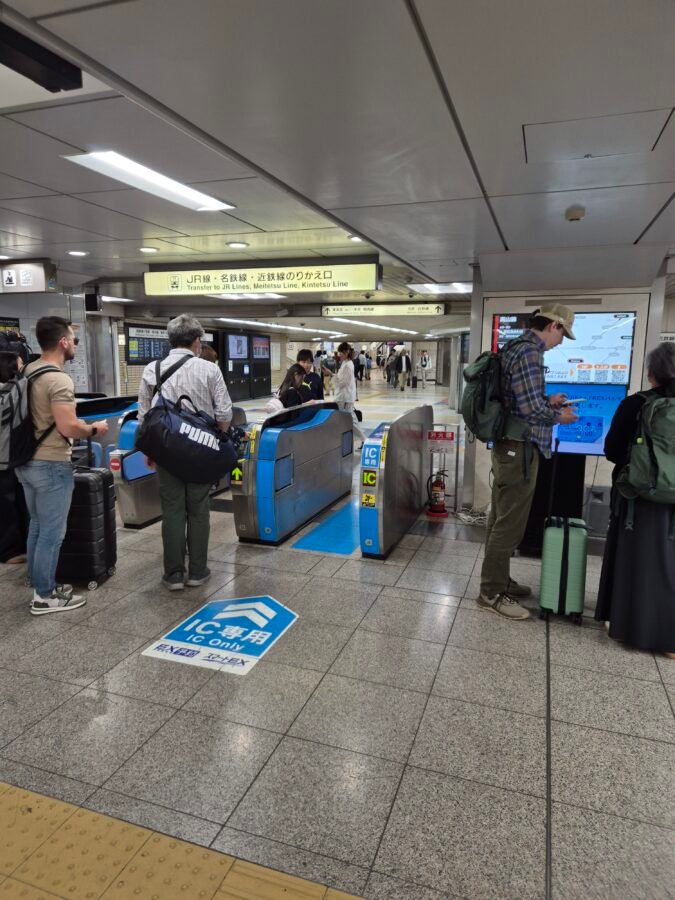
At Nagoya Station, trying to switch onto the Meitetsu line, my card simply stopped working. I stood there for a couple of minutes, genuinely unsure what to do next, since the station staff’s English was limited and I couldn’t follow what they were telling me. There’s a particular kind of stuck that comes from standing alone in a station you don’t know, holding up your own day with no one to turn to and puzzle it through with you.
Then I remembered the overeducated know-it-all in my pocket. I asked ChatGPT to help translate and diagnose the problem, and within seconds the issue was clear: a tap-out from a JR station days earlier hadn’t registered properly, leaving the card in a kind of limbo. The fix itself took longer than the diagnosis. I had to walk to the JR side of the station, tap out properly there, then come back and tap into the Meitetsu line separately. It cost me time and shifted my plans for the day, but it had to be sorted, since I was relying on that Pasmo card completely for getting around Nagoya.
This is worth knowing in advance, not because it happens often, but because it’s disorienting if you don’t expect it. If your card stops reading at a gate, it’s rarely the card itself. Station staff deal with this constantly and can sort it in minutes, even when the conversation has to happen through a translation app rather than shared language.
How Far This Gets You Without Cash
Japan has moved further toward cashless payment than the country’s reputation suggests. Between this transit card and a credit card, most travellers can go through a multi-week trip using cash only occasionally, for specific exceptions rather than as a daily necessity.
Those exceptions are worth knowing in advance: entry fees at certain sights, coin-operated laundry machines, and market stalls or festival vendors, which run on cash as standard practice. Carrying somewhere between ¥10,000 and ¥20,000 covers this comfortably. Treat it as a buffer for the exceptions, not a fund for everyday spending.
Before You’ve Sorted a Card
You can’t get the physical card before you land, and the digital version is only available to iPhone users ahead of arrival. If you’re heading into the city without one yet, several options cover your transport gap cleanly.
Taxi stands at the airport take credit cards directly, with no transit card required. Limousine bus counters and ticket machines also accept major credit cards. If you want to take a train before your card is sorted, station machines sell single tickets by credit card too.
My own approach is deliberately unhurried on both ends. I don’t try to get the card sorted the moment I land, and I don’t leave it unsorted for days either. Landing day is for getting to the hotel, checking in, and resting. The card gets sorted the next morning, once I’ve had a proper night’s sleep and have a clear head for it. iPhone users skip this entirely, since the card can be ready before the flight even leaves. For everyone else, there’s no benefit to rushing it the minute you arrive, and no benefit to putting it off longer than necessary either.
I cover the broader thinking behind not solving everything the moment you land in The First 24 Hours of Solo Travel: Where Most Mistakes Happen.
Transit Card: The Quick Checklist
- Decide tourist or resident version before you arrive, based on whether you’re likely to return
- iPhone users: set up Welcome Suica Mobile or a digital Suica/Pasmo before you fly, so it’s active the moment you land
- Android users: plan on a physical card, bought at a station machine after your first night’s sleep, not at the airport on arrival
- Have a credit card ready that works for airport taxi stands, limousine buses, or single train tickets, in case you land without your transit card sorted
- Know the Shinkansen exception: this card handles everything local, but not the bullet train
- If the card stops reading at a gate, find station staff before assuming the card itself has failed
- Top up at either a station machine or a convenience store, whichever is closer. Just be aware that some stations, particularly in smaller towns, don’t have a top-up machine at all.
What This Card Actually Protects, Travelling Alone
There’s a version of vulnerability that’s rarely named directly: standing at a gate, fumbling for coins, holding up a queue, counting out unfamiliar denominations while people wait behind you. Travelling alone, that moment carries a different weight than it does for someone with a companion to share the awkwardness, or simply to stand beside her while she sorts it out. This card removes that moment entirely. No counting cash in public, no exposed wallet at a busy gate, no visible hesitation that marks you out as someone working things out for the first time. It is a small mechanism, and it does a great deal of quiet work for a woman moving through a country alone.
This card is also the first piece in a larger system. The eSIM, the VPN, the document backups, and the AI tools that replace a phrasebook entirely all sit alongside it, each removing one more thing you’d otherwise have to think about. I cover the rest of that system in the next piece in this series.